


This is a story about how not to build an MCP server.
Step one: assume the hard part is making the AI call your tool.
Step two: get that working fast.
Step three: feel brilliant for about twelve minutes.
I wanted my AI agents to show up inside Claude. Not in a browser tab next to it. Inside it. Like a little toolbox that Claude could open during a normal chat. I would ask a question, Claude would call one of my tools, and my system would do the work.
That was the dream: one chat window, my agents inside it, everything feeling simple.
I gave it a weekend.
Estimated time remaining: 2 days. Two, tops.
The low point was not some dramatic hacker-movie failure. It was a boring 500 error caused by one database column being too small. A tiny mistake. A tiny mistake wearing a trench coat and wasting my afternoon.
If you are building with MCP, or vibe coding your way into agent tools, this is the story I wish someone had handed me first. Not a tutorial. A trail map with the holes circled.
Act I: The Part That Tricks You
Here is the dangerous truth: the first part of MCP is actually easy.
You make a small server. You tell it, "Here are my tools." The AI client reads the list. Then the model calls one.
And when it works, it feels ridiculous. A model reaches across the internet into code you wrote that morning, runs it, and brings the answer back into the chat. You stare at the screen like you just taught a toaster to file taxes.
MCP is a way for an AI app to ask another system, "What can you do?" Your server answers with a menu of tools. The AI chooses one, sends the inputs, and your server sends back the result. That is the basic trick.
This is the trap.
The easy part makes you believe the whole thing is easy. I had tools. The model called them. I was, briefly, unbearable. I moved the finish line to Sunday afternoon in my head and started thinking about what I would build next.
"Here are the buttons I know how to press."
"Great, I'll show those buttons to the model."
"This button looks useful. I'm pressing it."
The whole idea, in one breath.
Act II: The Shortcut With a Timer on It
Then came the question every real product eventually asks: who is allowed to press the buttons?
The quick answer is a secret key. You paste a long token into the app. The app sends it with every request. My server checks it. Done.
I had that working in twenty minutes. Which is usually how trouble introduces itself.
And then I said the cursed words. Out loud. With confidence:
"OAuth coming soon."
I meant: later, when I want to be fancy.
What I had actually said was: later, I will build the front desk, the ID checker, the permission slips, the visitor badges, the emergency exits, and the camera system.
I had promised to build a hotel lobby because I wanted one nice door.
A secret key is like giving someone a house key and saying, "Please be careful forever." Real apps want something safer: the user signs in, clicks Allow, and the app gets a limited, revocable pass. That pass can expire. It can have permissions. It can be taken away.
The system that hands out those passes is called an Authorization Server. Your actual app is the Resource Server. Two jobs. Two machines. I treated them like one. That was expensive.
Estimated time remaining: still 2 days. I lied. I just didn't know it yet.
Act III: The Wall Behind the Door
I opened the MCP authorization spec the way you open a bill you've been avoiding.
It did not say, "Add a cute login button." It said, in spec language, "Please build the whole grown-up version." Login. Approval. Temporary codes. Tokens. Refreshing. Revoking. Discovery documents so clients can find everything without a human pasting settings into twelve boxes.
I was not adding a login button. I was building an airport security line for robots.
OAuth is the "sign in and approve" flow you already know. The app sends you to a login page. You approve. The app gets a short-lived pass. PKCE, pronounced "pixy," is a safety trick that makes a stolen approval code useless by itself. Discovery is the menu that tells the app where the login and token endpoints live.
It has no pass yet. The server says, "Go over there to sign in."
Metadata tells it where login, approval, and token exchange live.
The client gets a safe pass and can finally call the MCP tools.
Nobody configures anything. The server advertises. This diagram is the entire war.
Estimated time remaining: unclear. Possibly negative.
Act IV: It's Always the Database
I built the server. I wired the login. I got all the way to a real consent screen: "This app wants to access your account. Allow or Deny?" It even had my colors on it.
I clicked Allow and felt proud for one full second.
Then the server returned a 500.
A 500 is the computer saying, "Something exploded, but I would rather not discuss it." Very mature.
I read the auth code. I read it again. I added logs. I questioned the framework, the library, the spec, my career. Hours evaporated.
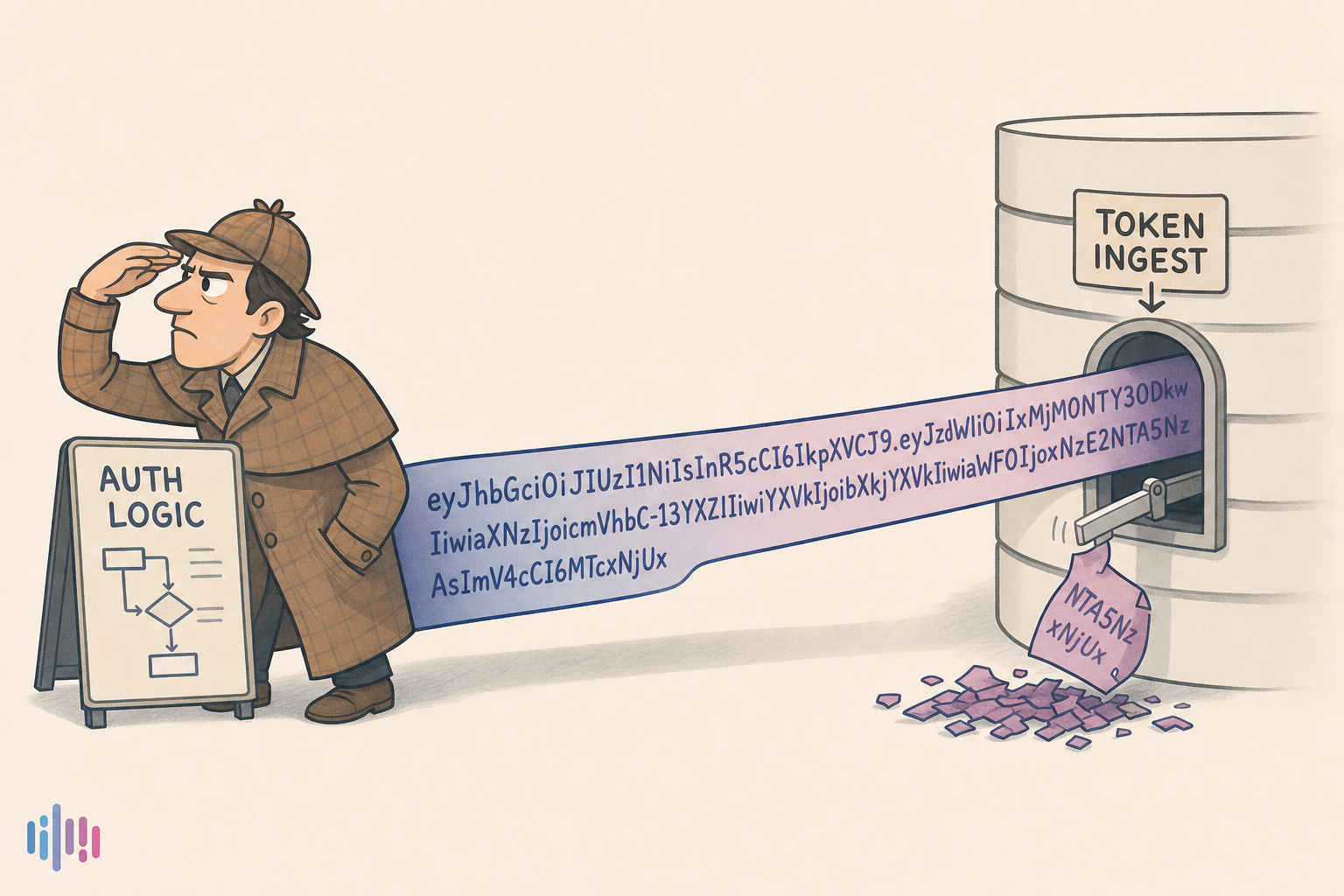
The cause was one database column. It was too small to hold a long URL-shaped value. The database quietly chopped the end off, smiled politely, and later everything broke somewhere else.
The error pointed at the login code. The real problem was an old column definition I had typed weeks earlier without thinking.
It's always the database.
Reader: it was the database.
Sometimes the place that crashes is not the place that caused the problem. One layer damages the data quietly. Another layer finds the damage later and screams. Log the actual values going in and out, not just the final exception.
Act V: The Tiny Things That Make You Doubt Reality
The 500 was the loud failure. The quieter failures were worse because they made me question whether I understood computers at all.
- One client kept saying my server did not exist because it remembered an old failed setup.
- One process refused to notice a new database column until I restarted it.
- One view kept serving yesterday's version of the truth like nothing had happened.
A cache stores old information so things run faster. Great idea. Terrible timing. When you change code or database shape, a cache may still hand you yesterday's version. Restarting is not a joke; it is sometimes how you force the system to stop remembering the wrong thing.
Estimated time remaining: a personal quantity. Do not ask me about the weekend.
Act VI: The Page I Should Have Read
Here is the part that still stings.
I was building a complicated way for new AI clients to introduce themselves to my server. It worked like a clipboard at the front desk: fill out a form, register, get an ID, store the ID, trust the ID later.
Then I read the newer spec more carefully.
The better answer was much simpler: the client's ID can just be a URL. Your server visits that URL, reads a tiny document, and learns who the client is.
That was it. The thing I was turning into a machine was, spiritually, four paragraphs.
I was not stupid. I was moving too fast in the wrong direction. There is a difference, but the invoice feels similar.
Dynamic Client Registration means clients register with your server and you store them. CIMD means the client ID is a URL your server can read. DCR is more machinery. CIMD is more "go read the client's business card." If you are starting today, start with the business card.
Client posts to /register. Server stores a new client. You now own client registry state.
Client sends client_id = https://client.example/metadata. Server fetches, reads, validates.
I was building the left. The simple path was the right. This is why we read the latest docs.
Act VII: The Pass Opens — One URL, Every Client
Then the story changed.
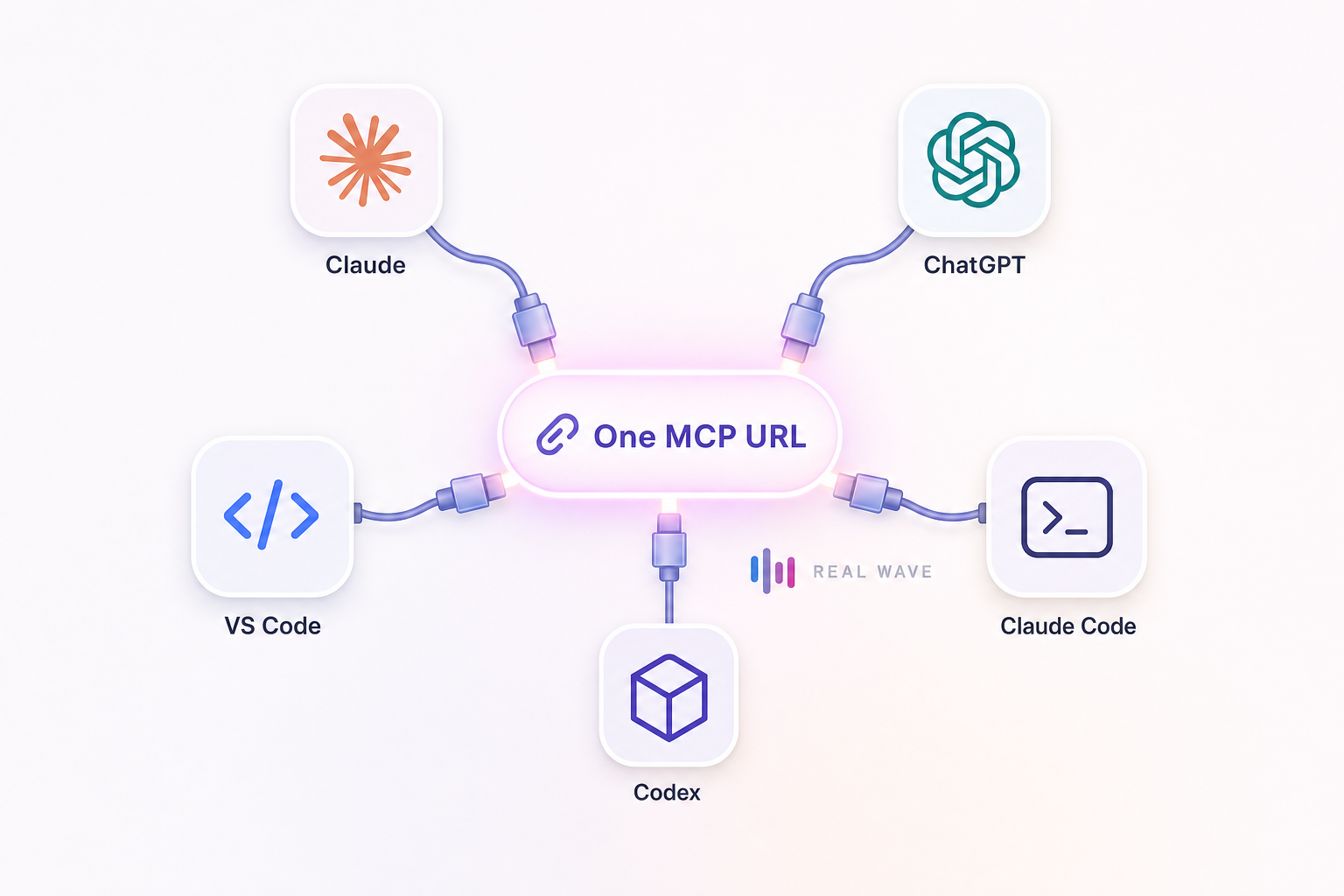
I stopped trying to be clever. I built the standard path. One URL. Good discovery. Proper sign-in. The client reads what it needs. The user approves. The tools appear.
Claude worked. Then other clients worked. Not because I wrote a special trick for each one, but because they were all reading the same signs.
This is the quiet joy of standards: when you do the boring thing correctly, the fancy thing starts feeling effortless.
The client starts with your server URL. Your server says, "Here is where login lives, here is where tokens come from, here is what I support." The client reads that and sets itself up. No long setup wizard. No copy-paste maze. Good servers advertise clearly.
Estimated time remaining: I can see the summit. It is, of course, a false summit.
Act VIII: Working Is Not the Same as Safe
At this point I had the thing everyone wants: it worked.
But login systems have a cruel rule: "it works" is not the finish line. "It is safe to leave running" is the finish line.
The big scary detail was redirects. After a user signs in, where is the client allowed to send them back? If you get that wrong, a bad actor can trick your login flow into sending valuable information somewhere it should never go.
So the server had to be strict:
- Known web URLs are allowed.
- Trusted vendor callback patterns are allowed.
- Local desktop callbacks on
127.0.0.1are allowed, even when the port changes. - Everything else gets turned away.
Desktop apps often open your real browser for login, then catch the result on your own machine at 127.0.0.1. The exact port is random because the operating system picks an open one. That is why loopback redirects allow any port while still rejecting random websites.
Then I did the pass nobody wants to do when they are tired: I attacked my own code.
That review found a real hole. A signed-in token with no organization attached could have slipped past the per-customer rate limit. My code assumed that could not happen. My code was wrong.
That is what security review is for. Not to prove you are smart. To find the place where you were confidently wrong.
Exact registered URLs, known vendor callback patterns, and loopback 127.0.0.1:any-port.
Lookalike domains, open redirects, unknown schemes, and anything that only works because you squint.
Where a client sends the user back is the whole security boundary. Check the ID.
Act IX: The Part That Feels Like Magic
Here is where the story finally becomes the demo I wanted at the beginning.
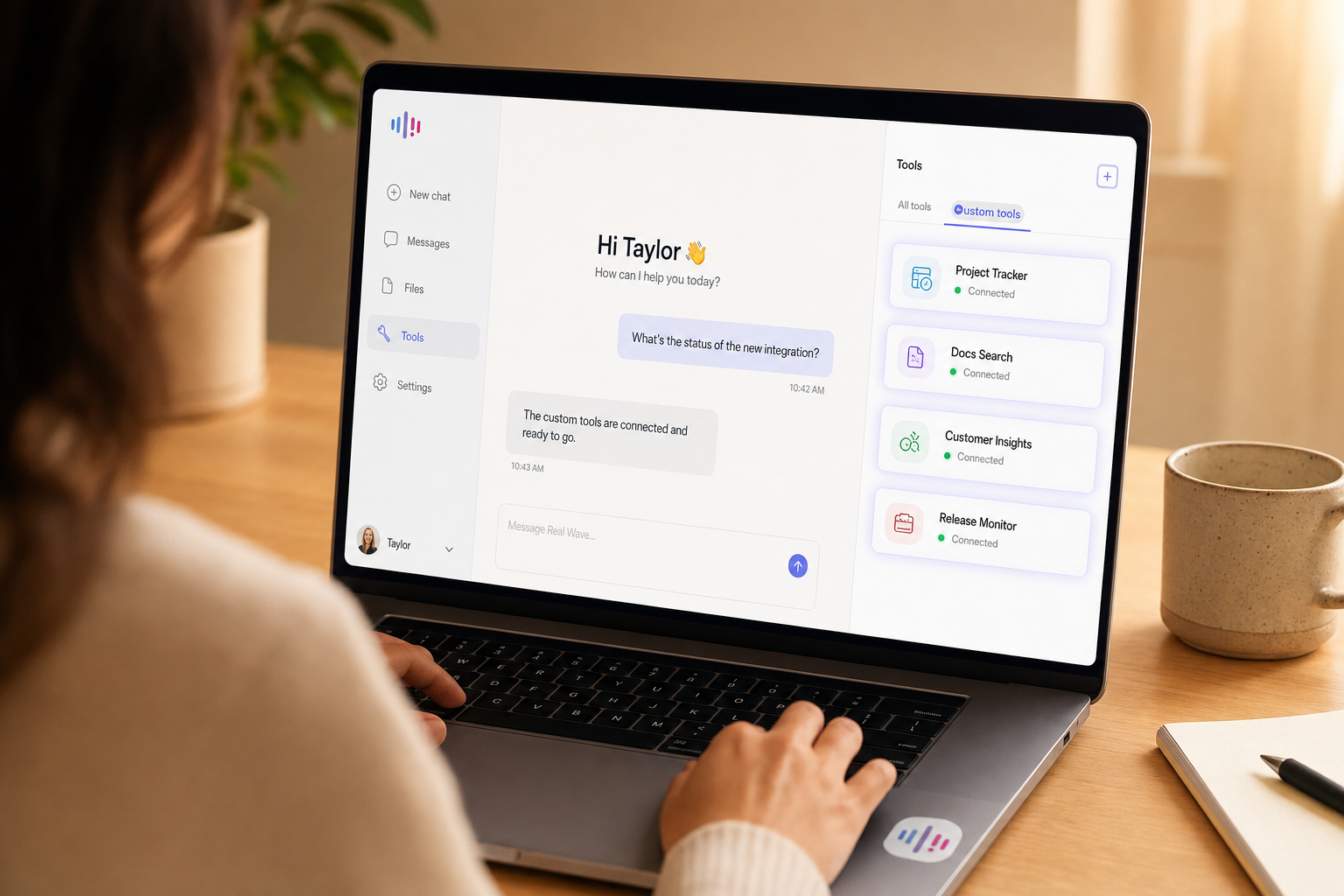
You open Claude. You paste one URL. You sign in. You click Allow. Your agents appear in the tool list.
No drama. No spreadsheet of settings. No "ask your technical person to hold this just right." Just: paste, approve, done.
That is the funny thing about good infrastructure. When it is done well, it disappears. Nobody sees the mountain. They only see the clean path through it.
It took me two weeks to earn this sentence:
Good auth feels like magic because somebody buried the plumbing.
Estimated time remaining: 0.
Estimated time it would have taken if I'd read four paragraphs about CIMD first: an afternoon.
What I'd Tell Past Me
Not a tutorial. Just the advice I wish had been taped to my monitor:
- Enjoy the first tool call, but do not trust the high. The first win is real. It is also not the whole product.
- A pasted token is fine for a demo. Real users need sign-in, approval, expiration, and revocation.
- Read the current spec before inventing machinery. The boring docs may contain the shortcut you are about to spend three days rebuilding.
- Make your server explain itself. Good discovery lets clients connect with one URL.
- Treat redirects like a locked door. Be very clear about where users are allowed to go after login.
- Attack your own code before strangers do. Your most dangerous bug may be an assumption with a nice smile.
- Hide unfinished auth behind a switch. A half-built login system should not touch production.
- When a
500makes no sense: log the values, then go look at the database.
Test the whole thing end-to-end with the MCP Inspector before a real client finds your weird edge case for you.
Now go put your thing inside the model. The trail is marked. You can walk it faster than I did. I left the embarrassing flags in the ground.
Links & Further Reading
Want the boring magic?
Real Wave's MCP server is the clean facade built on the mountain: one URL, a connect token, and your agents available inside compatible AI clients.